Show off your membership on LinkedIn. Be proud.empowered.connected.involved.
How to Add Women Empowering Women to Your LinkedIn Profile
Being a part of Women Empowering Women is something to be proud of! Adding WEW to your LinkedIn profile helps others see the powerful community you’re connected to – and makes it easier for them to find and follow WEW too.
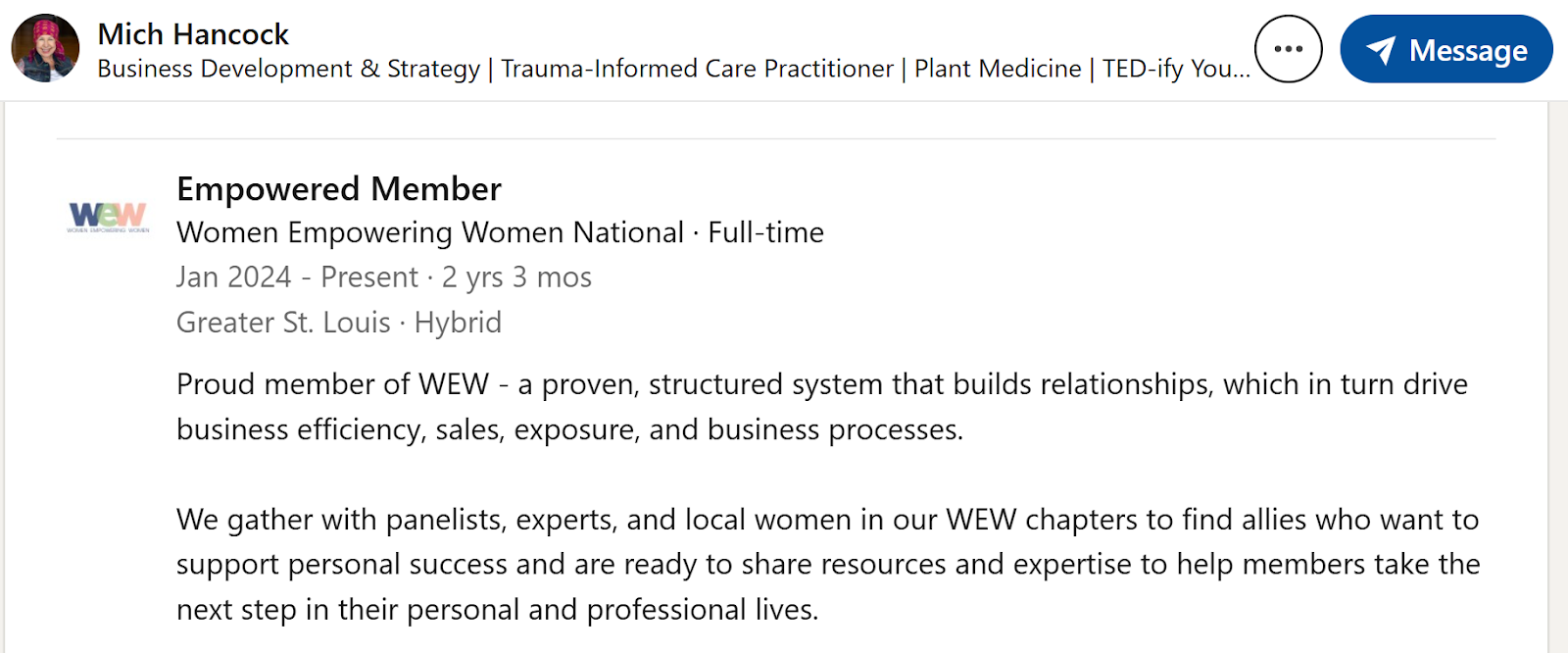
View a few LinkedIn Profile examples of WEW added to Experience:
Step 1: Go to Your LinkedIn Profile
Open LinkedIn and click on your profile picture or name to view your full profile.
Step 2: Update Your Experience Section
If you’d like to show your involvement with WEW in your Experience section:
- Scroll down to the Experience section.
- Click the + Add experience button, or click the pencil/edit icon on an existing role if you want to update it.
- In the Title field, add the role that best fits your involvement. Examples:
- Member
- Chapter Member
- Chapter Leader
- Speaker
- Ambassador
- Empowered Member
- In the Company field, begin typing:
Women Empowering Women - If LinkedIn recognizes it, click the official Women Empowering Women Company Page so it links properly.
- Add your start date and any description you’d like, such as:
Proud member of Women Empowering Women, a collaborative community focused on connection, growth, and empowering women personally and professionally. - Click Save.
Step 3: Add WEW to Your Headline or About Section (Optional but Powerful)
If you want people to immediately see your connection to WEW, you can also update your:
— Headline
Add something like:
- Proud Member of Women Empowering Women
- Women Empowering Women Member | Collaborator | Community Builder
- Chapter Leader at Women Empowering Women
— About Section
Add a sentence such as:
I’m proud to be part of Women Empowering Women, a community built on collaboration over competition and meaningful connection.
— See Example Below or click here
Step 4: Follow the Women Empowering Women Company Page
To stay connected and help amplify the mission:
- Search LinkedIn for Women Empowering Women
- Open the official Company Page
- Click Follow
This helps you stay updated on WEW news, events, and member highlights—and helps the WEW community grow on LinkedIn too.
Step 5: Share Your Badge on LinkedIn (if you are a WEW Member)
Once you’ve downloaded your WEW Member Badge*:
- Start a new LinkedIn post
- Upload your badge image
- Write a short caption such as:
Proud to be part of Women Empowering Women – a community rooted in connection, collaboration, and empowering women to grow together. - Tag Women Empowering Women
- Include your personal WEW member page link or direct people to www.wewnational.com
*You should have received an email with your WEW member badge download information. If not, please send us an email at hello@wewnational.com.
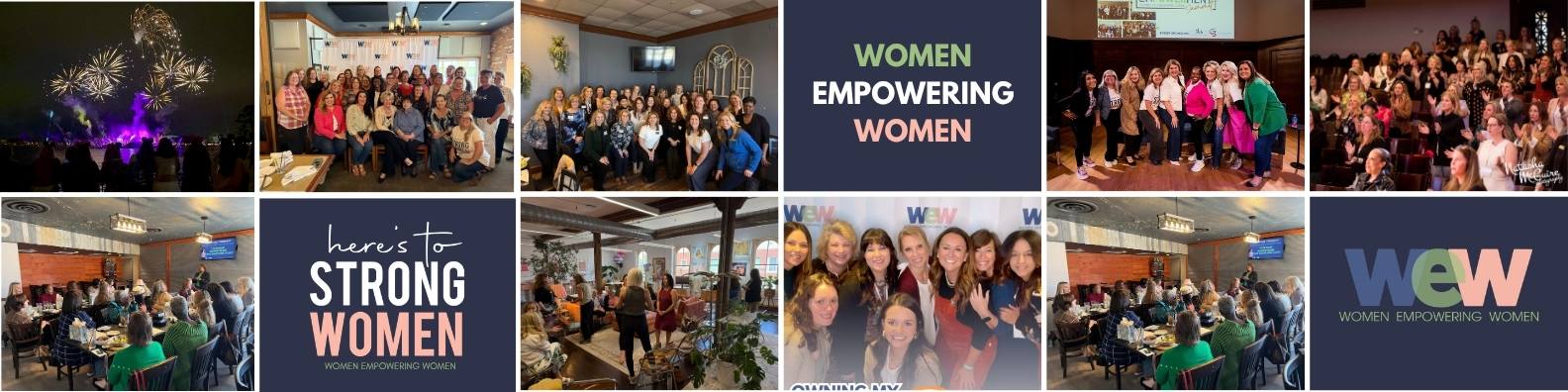
Step 6: How to Update LinkedIn Banner
Ideal size: 1584 x 396 px – Here is a banner template you can use. (change out with your own WEW selfies and photos!
https://canva.link/o66tulqrluz271c
On Desktop
- Go to your profile (click your photo or name in LinkedIn).
- In the top section, hover over your banner.
- Click the pencil/edit icon (top right of the banner).
- Click “Change photo”.
- Upload your new image.
- Adjust positioning (drag/zoom).
- Click Save.
On Mobile
- Open the LinkedIn app.
- Tap your profile picture → View Profile.
- Tap the pencil icon near your banner.
- Tap Edit background photo.
- Upload a new image.
- Adjust and tap Save
Bonus Tip
When you link your role to the official WEW Company Page on LinkedIn, your profile becomes even more connected and searchable. It’s a simple way to strengthen both your professional presence and the WEW network.